Many businesses lose a lot of time on repetitive, boring tasks like manually typing information into spreadsheets, chasing down email approvals, or copying and pasting data from one app to another.
These daily chores are more than just a waste of time. They often lead to human errors and prevent your team from focusing on the important work that actually grows the business.
Microsoft Power Platform consultants help fix these problems by building easy, low-code tools that handle tasks automatically. Using apps like Power Automate, Power BI, and Copilot, they turn manual work into smart, digital workflows. This helps your team get more done, avoid mistakes, and make better decisions.
Whether you’re a small business or a large enterprise, Power Platform consultants can help transform everyday business processes into smart, automated systems that save time and reduce costs.
What Is Microsoft Power Platform?
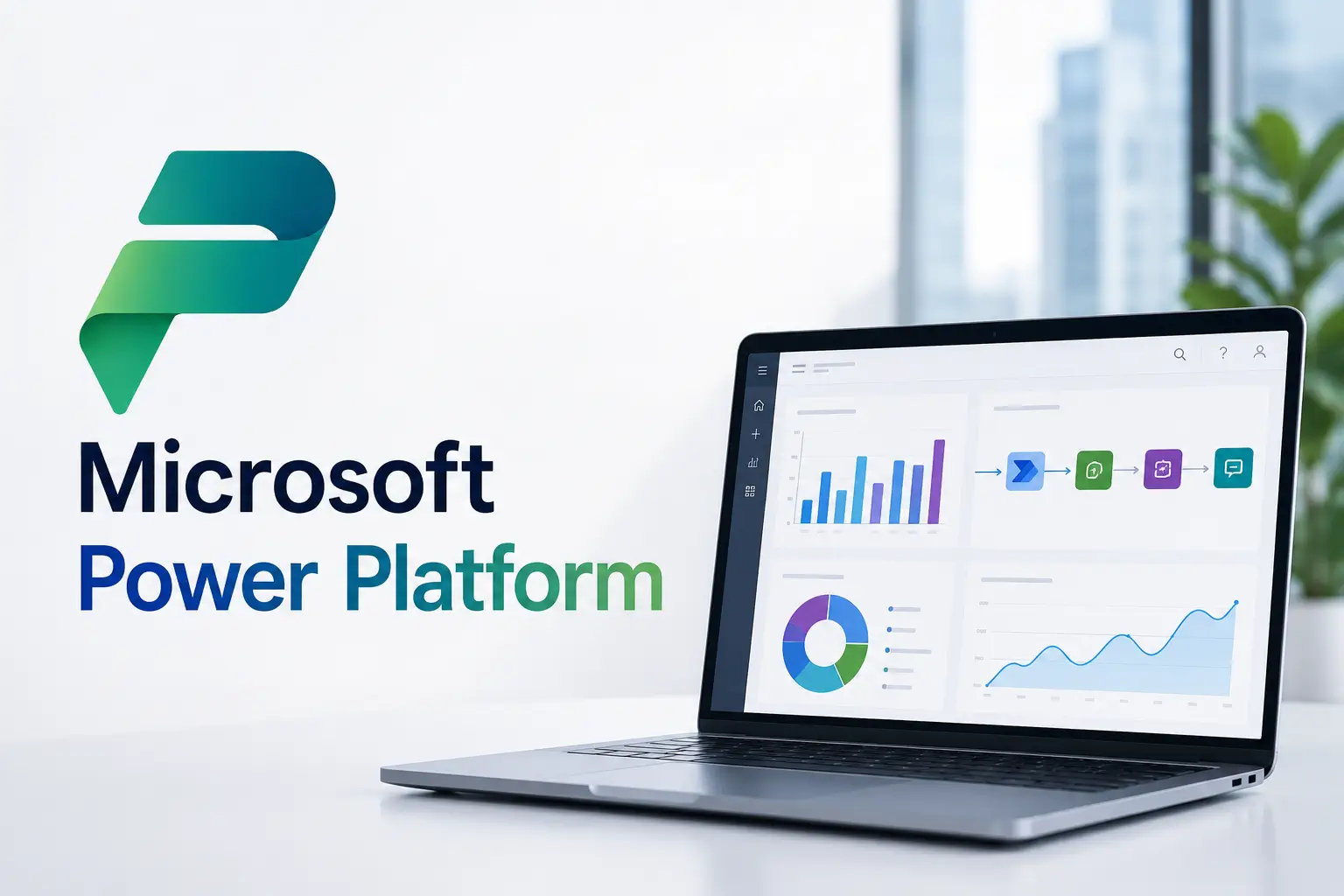
Microsoft Power Platform is a user-friendly tool that lets businesses build custom apps, automate tasks, analyze data, and create AI assistants, all without needing to be an expert coder.
The platform consists of several integrated tools:
| Tool | Purpose |
| Power Apps | Build custom business applications |
| Power Automate | Automate repetitive workflows |
| Power BI | Create dashboards and business reports |
| Microsoft Dataverse | Securely store business data |
| Copilot Studio | Build AI-powered copilots and virtual assistants |
Because these tools integrate seamlessly with Microsoft 365, Dynamics 365, SharePoint, Teams, Outlook, SQL Server, and hundreds of third-party applications, organizations can automate processes without replacing their existing systems. Microsoft positions Power Platform as a low-code platform that accelerates digital transformation and business automation.
Who Are Microsoft Power Platform Consultants?
Power Platform consultants are specialists who analyze business processes and identify opportunities to automate repetitive work using Microsoft’s low-code technologies.
Consultants do more than just build apps. They work closely with your team to understand your challenges, fix problems, and link your systems together to help you reach your goals.
- Process Analysis: Figuring out better ways to get your work done.
- Workflow Design: Planning the best way for your tasks to run automatically.
- Custom App Development: Building tools with Power Apps that are designed exactly for what you need.
- Automation: Using Power Automate to handle your boring, repetitive tasks for you.
- Data Insights: Creating simple dashboards that let you see exactly how your business is performing.
- System Integration: Connecting all your different tools so they work together with Microsoft 365.
- Security & Governance: Keeping your data safe, private, and well-organized.
- Training: Teaching your team how to use these new tools so they can work more effectively.
- Maintenance: Keeping everything running smoothly and improving it over time.
Why Businesses Need Smart Automation
When companies start growing, doing everything by hand becomes slow and difficult. You might run into problems like:
- Typing the same data over and over.
- Waiting too long for approvals.
- Dealing with piles of paperwork.
- Having messy or incorrect reports.
- Making simple human mistakes.
- Having duplicate records in your system.
- Slow communication between teams.
Automation solves these problems by letting software handle boring, repetitive tasks for you. This frees up your employees to focus on more important, meaningful work.
Many businesses use tools like Microsoft Power Automate to make their work faster, more accurate, and easier to manage as they grow.
How Microsoft Power Platform Consultants Transform Daily Work
1. Automating Approval Workflows
Approvals are a major bottleneck for growing teams. When they rely on messy email chains, requests often get lost, forgotten, or stuck in a manager’s inbox.
A consultant can set up an automated workflow to fix this. Instead of manual emails, the process works like this:
- Capture: The request is submitted through a simple digital form.
- Route: The software automatically identifies who needs to approve it based on the type of request or the amount of money.
- Remind: If an approver gets too busy to notice a request, the system automatically sends them a friendly reminder.
- Record: The final decision is saved automatically in a central location.
- Notify: Everyone involved, the person who requested it, the approver, and any other relevant teams get an update immediately.
Decisions happen much faster, and you always have a clear, organized history of who approved what and when.
2. Eliminating Manual Data Entry
Copying and pasting data between different apps is a major source of errors. When employees have to manually move information from, say, an email into an Excel sheet and then into a CRM, mistakes are bound to happen, and valuable time is wasted.
A consultant can bridge these gaps by connecting your systems so they “talk” to each other. Here is how it works:
- One Point of Entry: An employee enters information just once in a single location (like a form or an app).
- Automatic Syncing: The automation software instantly pushes that data to all the other tools you use, such as Salesforce, SAP, SQL Server, or Microsoft Teams.
- Reduced Errors: Because the computer does the “typing,” you no longer have to worry about typos or missing data from manual copy-pasting.
- Instant Updates: Every system stays perfectly in sync, ensuring that everyone in the company is looking at the exact same, up-to-date information.
Your team stops acting like “data movers” and spends their time on the work that actually matters, while your company data stays accurate and reliable.
3. Building Custom Business Apps
Relying on paper forms or static spreadsheets to track important business data is risky—it’s easy for things to get lost, damaged, or become outdated. Consultants solve this by building custom Power Apps that turn those manual processes into modern, mobile-friendly tools.
Instead of managing files, your team uses a custom app designed specifically for their needs. These apps work on computers, tablets, and phones, making them perfect for both office and field work.
Here are a few ways these apps transform everyday tasks:
- Onboarding: New hires can complete paperwork digitally on their phones before their first day.
- Inventory & Assets: Scan items with a camera to update stock levels or check out equipment instantly.
- Maintenance & Inspections: Field staff can snap photos, add notes, and submit service requests right from a job site.
- Visitor Registration: Replace the physical sign-in book with a digital portal that notifies hosts the moment their guest arrives.
- Sales Tracking: Sales teams can log calls and update deal progress while on the move, so the rest of the team always sees the latest status.
You get real-time, accurate data without the mess of paper, and your team gets a professional, easy-to-use tool that works wherever they are.
4. Creating Real-Time Business Dashboards
Leaders often struggle because their reports are outdated by the time they arrive. They are forced to make decisions based on old information rather than what is happening right now.
Consultants use Power BI to turn your raw data into live, interactive dashboards that act like a control panel for your business.
How it helps:
- Real-Time Data: Instead of waiting for someone to manually create a spreadsheet, your reports update automatically.
- Everything in One Place: It connects all your different systems to give you a clear view of your sales, finances, inventory, and team performance all at once.
- Easy to Use: You can click and filter the charts to dig into the details, helping you understand exactly what is happening in your business.
You stop guessing and start making faster, smarter decisions because you have the latest facts right in front of you.
5. Integrating AI into Business Processes
Modern projects are now using Artificial Intelligence (AI) to handle complex tasks. By using tools like Copilot and AI Builder within the Power Platform, your systems can “think” for themselves.
Here is how these AI features make work easier:
- Reading Documents: Instead of typing out invoice details, AI can scan the document and pull out the numbers and dates for you automatically.
- Organizing Information: AI can read incoming emails, figure out what they are about, and automatically route them to the right person or department.
- Summarizing Data: You can ask the system to take a long document or a thread of conversations and give you a short, simple summary of the key points.
- Customer Support: Smart chatbots can answer common questions from customers instantly, 24/7, without needing a human to type the response.
- Predicting Trends: The software can analyze your past data to spot patterns, helping you predict things like upcoming inventory needs or future sales trends.
You get much more work done in less time, with fewer mistakes, because the technology is handling the “heavy lifting” of sorting and analyzing information for you.
Benefits of Hiring a Power Platform Consultant
| Benefit | Business Impact |
| Faster Automation | Reduce repetitive work |
| Lower Development Costs | Less custom coding required |
| Improved Productivity | Employees focus on strategic tasks |
| Better Accuracy | Fewer manual errors |
| Faster Decision-Making | Real-time dashboards |
| Easy Integration | Connect existing Microsoft and third-party systems |
| Scalable Solutions | Grow as business needs evolve |
| Enhanced Security | Built-in Microsoft governance features |
Common Industries Using Power Platform
The Power Platform is used across a wide industries, such as healthcare, manufacturing, retail, banking, insurance, government, education, logistics, real estate, and professional services. Consultants can easily customize it to fit the unique workflows and specific needs of any business, no matter what field they are in.
Best Practices for Successful Automation
To get the best results from automation, follow these simple tips:
- Start small: Pick one boring, repetitive task that eats up the most of your team’s time and automate that first.
- Keep it simple: Start with basic, straightforward workflows before you try to build anything complicated.
- Fix your process first: Organize your steps and make them clear before you automate. If you automate a messy process, you will just get messy results faster.
- Train your team: Teach your employees how the new tools work so they feel comfortable and confident using them every day.
- Keep an eye on things: Check your automated tasks regularly to make sure they are still running correctly and doing exactly what you need them to do.
- Stay secure: Set clear rules for who can access what so your company information stays safe and protected.
- Keep improving: Use feedback from the people actually doing the work to make your processes better and faster over time.
Conclusion
Microsoft Power Platform consultants help businesses trade slow, manual tasks for fast, automated solutions. They help teams work more smoothly, make fewer mistakes, and make better decisions based on real data. By using tools like Power Apps, Power Automate, and AI.
As companies go digital, smart automation is becoming a necessity rather than just a bonus. Partnering with an expert consultant ensures that your automation projects are built to last, provide real results, and grow along with your business.
Read More: AI for Small Businesses in India (2026): A Practical Guide
Frequently Asked Questions
1. What does a Microsoft Power Platform consultant do?
A consultant acts as a bridge between your business challenges and technology. They analyze how you work, design smart automation solutions, build custom low-code apps, and connect your systems—all to help your organization get more done using the Microsoft Power Platform.
2. Is Power Platform suitable for small businesses?
Yes. Small businesses can automate routine tasks without investing in expensive custom software development.
3. Which Microsoft products integrate with Power Platform?
Power Platform integrates with Microsoft 365, Teams, Outlook, SharePoint, Dynamics 365, Azure, SQL Server, and hundreds of third-party applications.
4. How long does it take to implement automation?
Simple workflows may take a few days, while enterprise-wide automation projects can take several weeks or months depending on complexity.
5. Can Power Platform use AI?
Yes. AI Builder, Microsoft Copilot, and Copilot Studio enable intelligent automation such as document processing, chatbots, predictions, and content generation.