
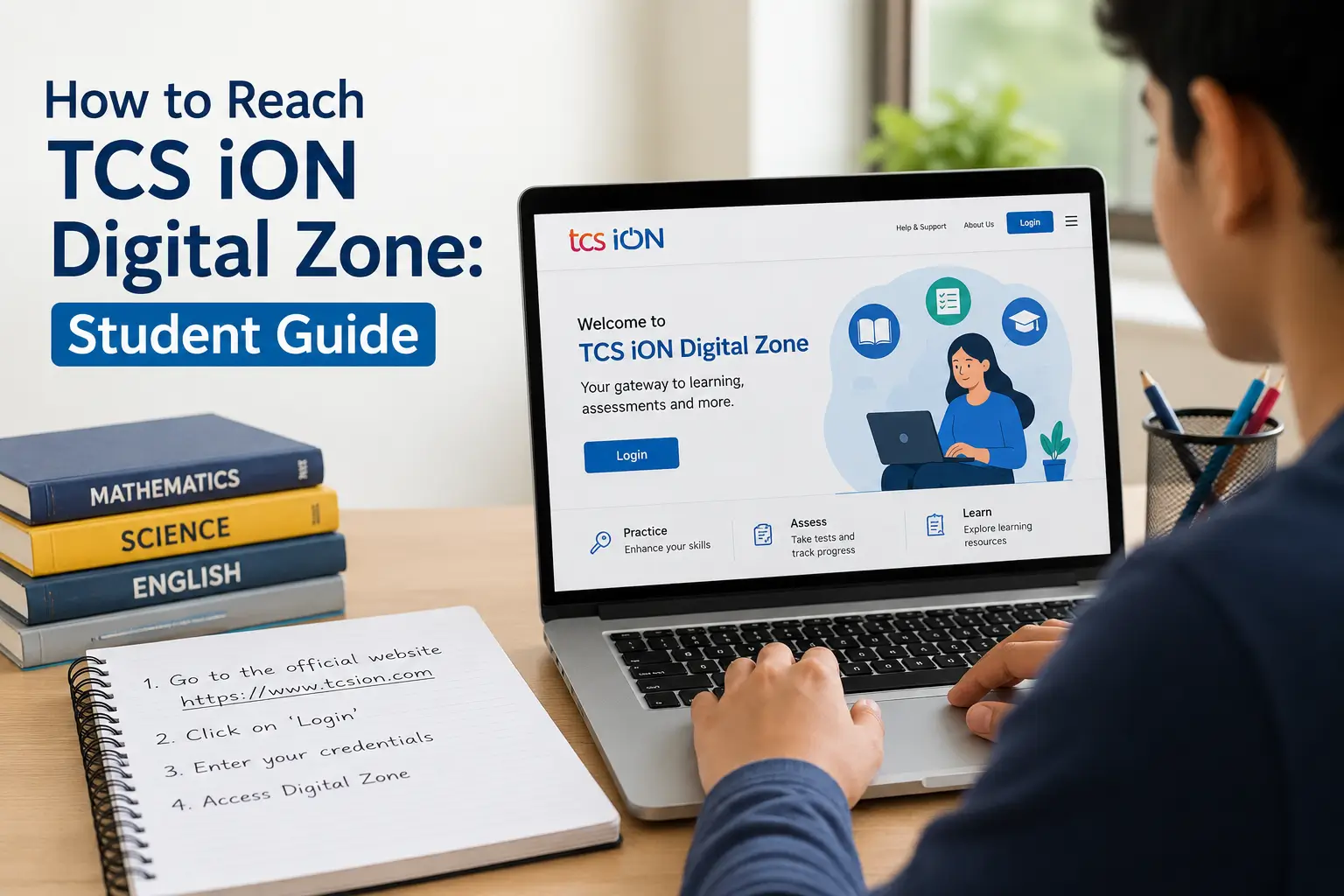
Many candidates search for TCS Ion Digital Zone location every day because they feel nervous about their test venue. This venue is the most popular online exam centre network in India.
Major organizations use these hubs for conducting computer based tests. Millions of students visit these centers for bank exams and government jobs and college entrance tests. This candidate guide will remove all your doubts about the venue. It gives you practical tips so you can focus entirely on your test.
Table of Contents
Exam Centre TCS Ion Digital Zone: Overview
| Detail Type | Information Details |
| Centre Name | TCS iON Digital Zone |
| Location Area | Industrial Estates or Tech Parks or Institutional Areas |
| State Coverage | All Major Cities Across India |
| Common Exams | SSC and IBPS and Railways and JEE and NEET |
| Required ID Proof | Original Aadhaar Card or PAN Card or Passport |
| Best Travel Options | Metro Trains or App Cabs or Local Buses |
Why Authorities Assign TCS Ion Digital Zone Exam Centre
Exam boards choose TCS Ion Digital Zone exam centre for several structural reasons. These facilities feature massive digital infrastructure. They have thousands of working computer systems under one roof. This high capacity allows boards to conduct exams for many students simultaneously.
The centers also have excellent security systems. High definition CCTV cameras monitor every corner of the test lab. The servers use highly secure local networks to prevent paper leaks. TCS staff members receive special training to handle large crowds. They follow the same strict guidelines across all cities in India. For these reasons testing authorities prefer this venue over standard colleges.
Facilities You Will Find Inside the TCS Ion Digital Zone Centre
You can expect professional facilities inside the campus. The management maintains a clean environment to help students write their tests comfortably.
1. Air Conditioned Computer Labs
The testing rooms have central air conditioning systems. The temperature stays comfortable during all seasons. You will not face sweat or heat issues while solving difficult questions. Every seat has a partition screen on both sides. These screens block the view of other monitors and reduce distractions.
2. Technical Infrastructure and Power
The facility uses high quality computers with flat screens. The mice and keyboards work smoothly because technical staff tests them daily. The centre maintains large power backup generators. You will not lose exam time during a sudden electricity failure. The local servers save your test progress every single second.
3. Basic facilities for Candidates
The floors have drinking water stations with purifiers. Separate washrooms exist for male candidates and female candidates. The cleaning staff scrubs the toilets frequently to maintain hygiene. Big display boards show your lab numbers clearly. You can also ask the security guards for directions.
Need Documents at TCS Ion Digital Zone Entry Gate
You must bring important papers to enter the gate at TCS Ion Digital Zone. Security teams will not allow you to enter if you miss any document. You should prepare your folder with these documents required on the previous night.
a) Printed Admit Card
Print your admit card on a clean sheet of A4 paper. Choose a high quality printout where your face looks clear. Do not bring a blurred copy or a torn page. Read the instructions to check if you need a color print out.
b) Original Identification Card
Bring your original photo identity card. The guards will reject digital copies on your phone and photocopies on paper. You can carry your Aadhaar card or your PAN card or your driving license. The name on your ID card must match the name on your admit card exactly.
c) Recent Passport Photographs
Carry two passport size photos in your pocket. These photos must look exactly like the image on your application form. You will paste these photos on the official attendance sheet inside the lab.
d) Simple Stationery and Water
Bring a transparent ballpoint pen for your rough work. Do not bring pens with metallic clips or design prints. You can carry water in a completely transparent plastic bottle. Tear off the brand label before you reach the main gate.
Prohibited Items Inside the Testing Hall at TCS Ion Digital Zone
The exam centre maintains a strict policy against restricted objects. Leave these things at home or inside your vehicle.
i) Electronic Devices
You cannot take your mobile phone inside the lab. The rules ban smartwatches and fitness bands and calculators. Do not carry bluetooth earpieces or electronic car keys.
ii) Personal Belongings
You cannot take bags or large wallets inside the gate. Avoid wearing heavy jackets with large metal buttons. Do not wear thick leather belts with massive buckles. The guards will ask you to remove gold chains and rings and religious threads.
iii) Other Restricted Items
Do not carry pieces of paper or old receipts. Textbooks and notebooks are strictly illegal inside the room. You cannot carry eatables or chewing gum into the computer lab.
How to Reach TCS iON Digital Zone
Finding the correct path saves you from morning stress. Read these instructions on how to reach the venue using common travel methods.
1. By App Based Cabs and Autos
Booking an Ola or Uber cab is the most comfortable choice. Type the exact centre code from your admit card into the map application. This code ensures that the driver drops you at the correct gate. You can also take a local auto rickshaw from the nearest main road. Fix the fare with the driver before you sit inside.
2. By Public Bus Network
Local city buses offer a highly economical travel route. Find the bus numbers that go toward the local industrial area. Drop down at the nearest bus stop and walk to the campus. You can ask local shopkeepers for the final directions.
3. By Metro and Trains
Metro trains help you avoid city traffic jams. Find the nearest metro station to your specific exam centre. Exit the station and take a shared auto rickshaw to the main gate. If you come from another town arrive at the railway station early. Hire a prepaid taxi for a direct journey to the venue.
4. By Personal Bike or Car
You can drive your own vehicle to the location. Open Google Maps early to check for sudden route diversions. Note that the centre does not provide parking spaces inside the campus. You must park your vehicle on the public road outside. Leave your vehicle at your own risk.
Why Reporting Time is Necessary at TCS iON Digital Zone?
Time management is very necessary in any examination. You must follow your admit card schedule carefully.
Calculate Traffic Delays
Industrial areas often face heavy truck traffic in the morning. Sudden rains can slow down public transport. Road construction might cause unexpected route diversions. Always add ninety minutes to your regular travel time calculation.
Strict Gate Closing Rules
The security guards close the main gates exactly on the minute. They follow instructions from central servers. They will not open the gates for anyone after the deadline. Do not ruin months of hard work because of a five minute delay.
Step by Step Exam Day Process at TCS iON Digital Zone
If you know your entry sequence will boost your confidence. The venue follows a fixed routine for every batch.
1. Gate Document Check
You will stand in a queue outside the main boundary wall. Show your printed hall ticket to the security staff. Present your original identity card for a quick match.
2. Metal Detector Test
When you enter the gate you need to pass through a security door frame. Guards will use handheld scanners to check your pockets. They will ask you to remove your shoes if the alarm beeps. Female guards conduct this check inside a private curtain booth for women.
3. Biometric Registration
The registration desk operator will scan the barcode on your admit card. They will take your digital photograph with a webcam and capture your thumbprint.
4. Lab Allocation
You will assign with a computer system based on your system number. The staff member will write your lab number on your admit card. Follow the floor signs to reach your designated room.
5. Seating and System Login
Check your computer system according to your roll number. You need to enter your login ID using the keyboard. The invigilator will announce the system password just ten minutes before the test. Type the password and read the exam rules on your screen. The test will start automatically when the countdown timer hits zero.
Helpful Tips for First Time Candidates
- Move your computer mouse across the screen as soon as you sit down.
- Press a few keys on the keyboard to check their smoothness.
- Tell the room invigilator immediately if your monitor flickers.
- The technical team will replace your computer before the test begins.
- Do not keep your legs near the CPU wires under the table.
- Accidental kicks can disconnect the power plug and shut your system down.
- Write your roll number on your rough sheet immediately.
- Keep your eyes on your own monitor to avoid security warnings.
Unnecceary Mistakes to Avoid on Exam Day
- Do not sign your admit card at your home.
- You must sign the paper only in front of your room invigilator.
- Do not wear thick shoes or boots with heavy soles.
- Choose simple slippers or open sandals for quick security checking.
- Do not keep coins or keys in your pockets during frisking.
- Metal items delay your entry and create unnecessary panic.
- Do not argue with the security guards or the exam coordinators.
- Follow all instructions with a polite attitude.
- Remember to drop your rough sheets in the box before exiting.
Conclusion
TCS iON Digital Zone provides an efficient testing environment for students. The staff manages everything through automated software systems. You do not need to worry about any technical glitches during your test. Prepare your bag with all the documents required on the previous evening. Wake up early and check how to reach the venue via the fastest route. Maintain your focus on your preparation and reach the venue before your reporting time. Stay confident and attempt your questions with a calm mind.
Read More: How to Reach Ion Digital Zone IDZ Azad Puram Lucknow: Student Guide
Frequently Asked Questions (FAQs)
1. Does the TCS Ion Digital Zone exam centre have a baggage counter?
No the centre does not provide any official locker or baggage counter. You must leave your bags with your parents or inside your vehicle. Some local tea stalls store bags for a small fee at your own risk.
2. What happens if my computer stops working during the exam?
Do not worry if your system freezes or shuts down. Tell your room invigilator about the issue immediately. The technical team will shift you to another computer system. Your data will remain safe and you will get your full balance time.
3. Can I show a digital copy of my Aadhaar card on my phone?
No the security staff will reject any digital ID proof on your phone. They will also deny entry if you show a photocopy. You must present your physical original ID card at the gate.
4. Are we allowed to leave the lab early if we finish the test?
No you cannot leave your seat before the total exam time ends. The central server locks your screen until the last second. You must sit quietly until the invigilator completes the final exit count.
5. Do I need to carry my own blank paper for calculations?
No you cannot carry any personal blank paper inside the lab. The invigilators will distribute official rough sheets to every candidate. You must write your roll number on those sheets and drop them in the collection box before you leave.